

Safari
- Open RugWeather in Safari.
- Tap the Share button.
- Choose Add to Home Screen.
- Tap Add.
Clear, welfare-led guidance to help with seasonal care, clipping, rugging and fit while keeping your horse's individual needs at the centre of every decision.
Our free Horse Clip Selector helps you explore a pattern based on sweating, work and turnout. No account required. Explore horse care tools.

A practical plan for turnout, rug checks, forage and riding through winter.
Read guide
Plan ahead for nearby displays, prepare your yard, choose a familiar routine and check your horse safely afterwards.
Read guideA practical temperature guide for clipped and unclipped horses, with rug weights explained and advice on wind, rain and shelter.
Read guide
Understand the factors that can affect your horse's rugging needs, from temperature and rain to clipping and turnout conditions.
Read guide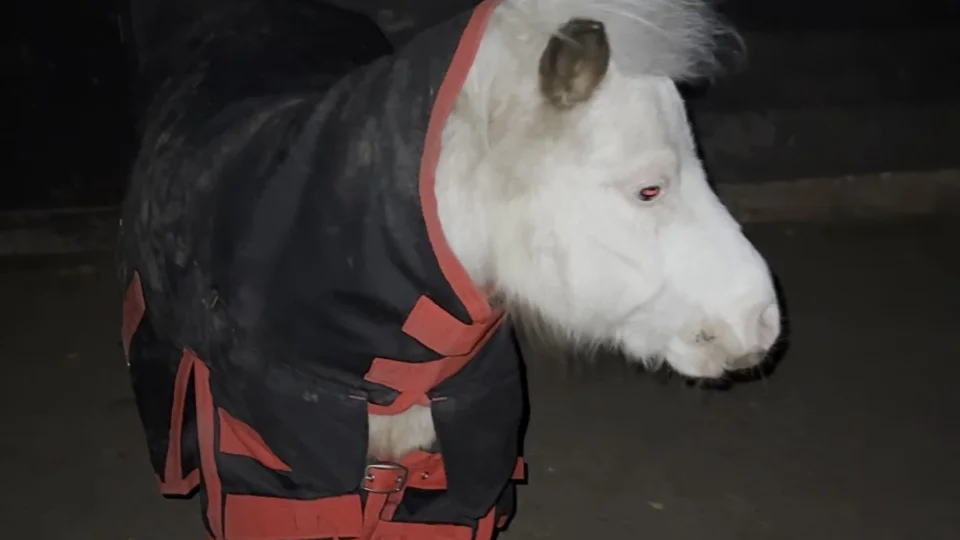
Measure accurately, assess the fit around the chest, shoulders and withers, and spot common problems before they cause rubbing or discomfort.
Read guide
Choose an appropriate clip, prepare a safe workspace, introduce clippers calmly and plan the care your horse will need afterwards.
Read guideAdd RugWeather to your home screen so you can check rug recommendations quickly.
Your times are saved, but reminders are not enabled yet. Add RugWeather to your home screen, reopen the installed app, then finish notification setup there.
If no install option is available, use a browser that supports installed web apps.